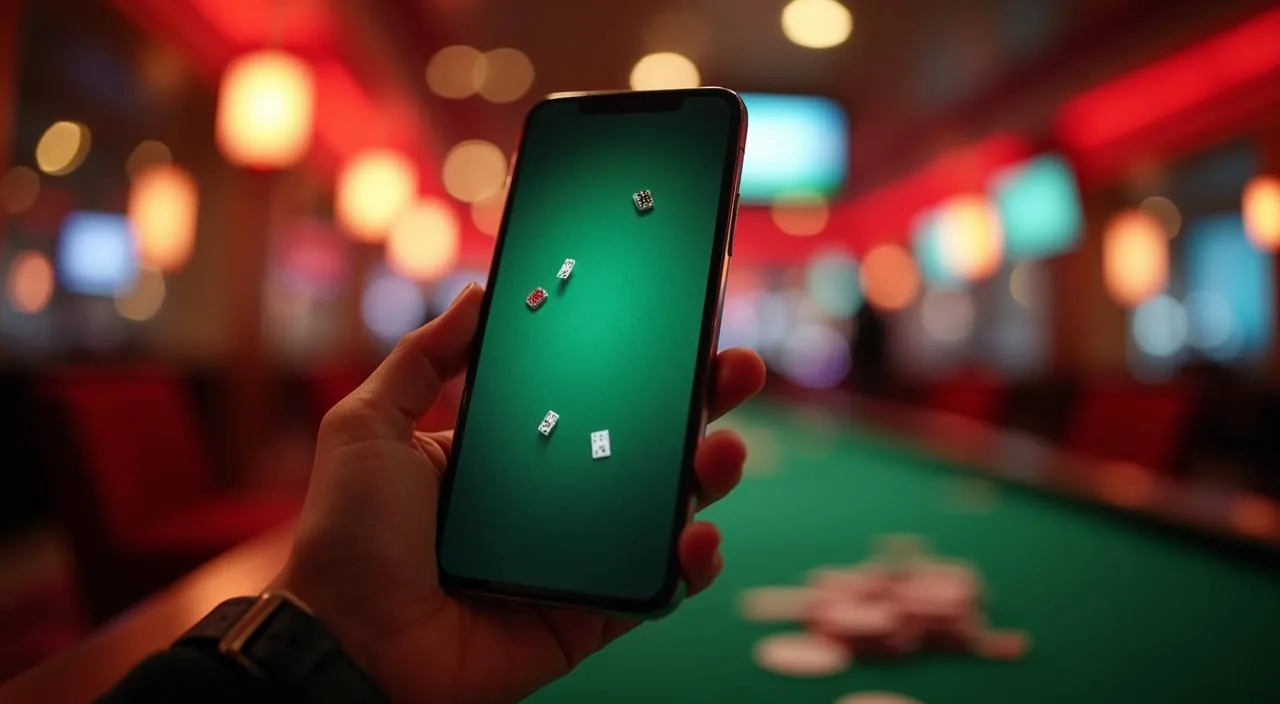
Your 7j88 account balance is funded through bKash, Rocket, and Bank Transfer — each route visible inside the cashier once you are signed in. Every deposit and withdrawal request runs through your account wallet, so your balance and transaction history stay in one place.
Putting money into your 7j88 account starts at the cashier section inside your signed-in dashboard. We support bKash, Rocket, and Bank Transfer — the same payment rails most people in Bangladesh use day to day. Choose the method that matches your wallet. Enter the amount shown within the limits displayed on screen, confirm the transaction on your mobile wallet or bank app, and the credit appears in your account balance.
Sign in and open the cashier
Go to your account and select the deposit section. The available payment methods — bKash, Rocket, Bank Transfer — appear as selectable options on screen.
Choose your payment method
Pick bKash, Rocket, or Bank Transfer. Each method shows its own set of fields. Fill in only what the screen asks for at that step.
Enter the amount and confirm
Type the deposit amount within the limits shown. Confirm in your chosen mobile wallet app or bank channel, then return to your 7j88 account page.
Check your account balance
Once the transaction completes, your updated balance appears in the wallet area. A reference entry is also added to your transaction history for your records.
MOVING MONEY OUT
Withdraw from Your 7j88 Wallet
Withdrawals from your 7j88 wallet follow a clear path through the same cashier area you use for deposits. Open the withdrawal tab, select the payout method — bKash, Rocket, or Bank Transfer — and confirm that the account or wallet number matches what is registered under your 7j88 profile.
Open the withdrawal tab
From your signed-in dashboard, navigate to the cashier and select the withdrawal option. The screen lists the methods you have available based on your account status.
Select your payout method
Choose bKash, Rocket, or Bank Transfer. Confirm the wallet number or bank details shown match your registered information before moving forward.
Enter the withdrawal amount
Input the amount within the minimum and maximum limits displayed. The screen will alert you if the amount falls outside the permitted range for your account.
Complete any verification prompt
Some withdrawal requests trigger an identity or wallet-ownership check. Follow the exact fields and instructions shown in your account at that point to proceed.
ACCOUNT VERIFICATION
Account Checks Inside Your 7j88 Profile
Certain account actions — particularly withdrawals above a threshold or a first-time payout — may prompt a verification step. The fields and documents required are shown directly inside your account area at the time the check is triggered; we do not list a fixed document set here because requirements may vary based on your account activity and the applicable rules at the time.
Follow only the in-account prompt
Verification instructions appear inside your signed-in account area. Do not follow steps sent through unofficial messages or third-party sites — only what your account dashboard displays.
Match your wallet to your account
The wallet number or bank account used for withdrawal should match the details registered on your 7j88 profile. Mismatches can trigger an additional check or delay the request.
Respond to document requests promptly
If the system requests supporting information, submit it through the in-account upload route shown on screen. Delays in responding will extend the time your request remains in a pending state.
Contact support if a prompt seems unclear
Use the support route published on the site to ask about any verification step you do not recognise. Do not ignore an open verification prompt, as it will hold the linked request in place.
PAYMENT METHODS
Payment Routes at 7j88
Three payment methods are configured for Bangladesh accounts on 7j88. Each one connects your mobile wallet or bank account directly to your account balance. Select the method inside the cashier, follow the fields on screen, and the transaction is recorded in your history. The methods available to your account depend on your region and account status, as determined by local law and eligible region rules.
bKash
Bangladesh's widely used mobile wallet. Select bKash in the cashier, enter your bKash number and the amount, then approve the transaction in your bKash app to credit your account balance.
Rocket
Dutch-Bangla Bank's mobile banking service. Choose Rocket from the payment options, confirm your registered Rocket number, and complete the transfer through your Rocket account to fund your wallet.
Bank Transfer
Direct transfer from your bank account in Bangladesh. Select Bank Transfer, follow the account details shown on screen, and initiate the transfer from your bank's app or channel.
TRANSACTION TRACKING
Match Your Wallet Transactions to Account Records
Every deposit and withdrawal request on 7j88 generates an entry in your account transaction history. Keep a copy of the reference number from your bKash, Rocket, or Bank Transfer confirmation — it is the key detail when you need to match a wallet movement to the corresponding account entry. If a transaction shows a status that does not match your wallet record, use the reference number to raise the issue with support rather than submitting a duplicate request.
Reference number
Your bKash, Rocket, or Bank Transfer confirmation screen shows a transaction reference number. Save this — it is what support needs to locate and reconcile your account entry if the status does not update.
Status labels in account history
Each transaction entry in your account shows a status: pending, processing, completed, or flagged. A pending status means the request is still being processed; completed means the balance has been updated accordingly.
Account history view
Open the transaction history section inside your signed-in account. Each row shows the method used, the amount, the date and time, and the current status — giving you a clear log of every funding and withdrawal action.
Evidence to retain
Keep your wallet confirmation screenshot and the account history entry for any transaction you submit. These two records together are what you need if you contact support about a payment that has not reflected correctly.
ACCOUNT SAFEGUARDS
How 7j88 Protects Your Transactions
Account and transaction security on 7j88 depends on a combination of domain verification, wallet ownership checks, identity confirmation, and a published support route. Each layer exists to make sure the balance you build is accessible only through your registered account and payment details. We outline each of these below so you know what to expect.
Domain check before you log in
Always access 7j88 through the correct domain — 7j88. Phishing sites mimic the login page to capture your credentials. Verify the URL in your browser address bar before entering your account details or initiating any payment.
Wallet ownership verification
Withdrawals must go to a bKash, Rocket, or bank account registered in your own name. Requests to an unverified or third-party wallet may be held for a review step, as shown in your account status area.
Identity confirmation for account actions
Certain account changes — such as updating your registered payment details — may require you to confirm your identity through the in-account prompt. Follow the instructions shown there; do not share identity documents outside the official account channel.
Published support route for transaction issues
If a transaction record does not match your wallet history, use the support contact published on the 7j88 site. Have your reference number ready. Do not use third-party contact methods that claim to resolve account issues outside the official channel.
BANKING QUESTIONS
Frequently Asked Questions on 7j88 Banking
These are the account and payment questions we hear most from Bangladesh users. Each answer reflects what is visible inside your 7j88 account and the payment channels configured for this market.
Which payment methods can I use to deposit at 7j88?
Your 7j88 account supports bKash, Rocket, and Bank Transfer for deposits. All three appear as selectable options inside the cashier once you are signed in. Availability depends on your account status and eligible region.
What is the minimum deposit amount at 7j88?
The minimum deposit amount is shown on the cashier screen when you select your payment method. We do not publish a fixed figure here because limits shown inside your account are the authoritative ones and may vary by method.
How do I withdraw my balance to my bKash account?
Open the withdrawal section in your cashier, select bKash, confirm that the number matches your registered details, enter the amount within the displayed limits, and submit. Follow any verification prompt that appears before the request is processed.
What does a pending withdrawal status mean?
Pending means your withdrawal request has been submitted and is waiting to move to the next stage. Check your account history for any action item or verification prompt. If the status does not change, contact support with your reference number.
Why did my deposit not appear in my account balance?
First check your wallet or bank confirmation to confirm the transfer completed. Then check your 7j88 account transaction history for a matching entry and its current status. If there is no entry, contact support with the wallet reference number.
Can I use a bKash or Rocket account that belongs to someone else?
No. Deposits and withdrawals must use a wallet or bank account registered in your own name. Transactions linked to a third-party wallet may be flagged for a verification step, as detailed in the prompt shown inside your account.
 Live / Sports